


 Close Menu
 World
 Biography
 Health
 Education
 Business
 Lifestyle
 Sports
 Technology
 Animals
 History
 Food
 Religious
 Startups
 Movies
 Politics
 Fashion
 Covid
 Diet
 Fitness
 Marketing
 Travel
 Science
 Reviews
 Social media
 Stories
 Facts
 Art
 Entertainment
Zara Noah

Business
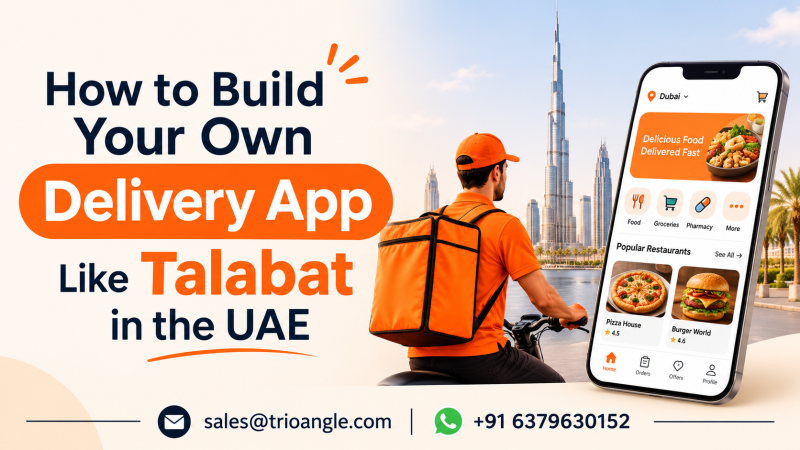
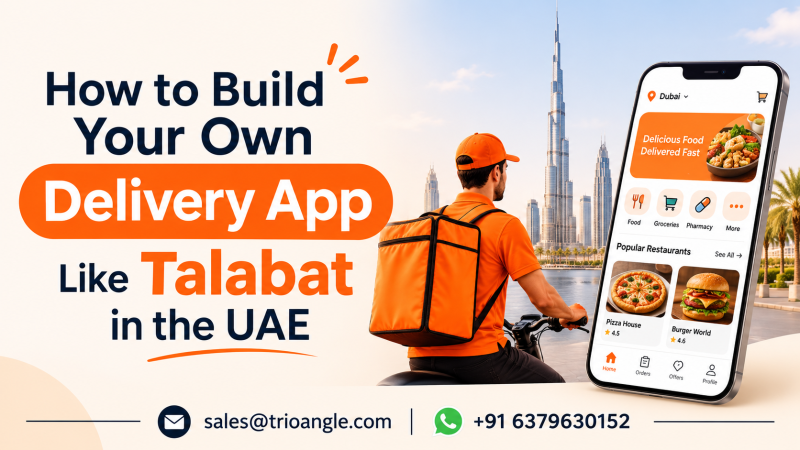
How to Build Your Own Delivery App Like Talabat in the UAE
 Zara Noah
With Talabat, ordering food, groceries, and other essentials with a couple of taps has become so easy in the UAE. This also gives you room to try something different. If you're planning to launch your own platform, you could start with a particular city, focus on a specific cuisine, or serve customers in a few neighborhoods.
But what are the real steps to create an app like Talabat in the UAE?
What Does a Talabat-Like Delivery Business Need?
A platform like Talabat must have four interlinked components: the user app, the restaurant or store panel, the delivery partner app, and the admin dashboard.
- The platform users will search for what they need, order, and monitor it; thus, the user app must offer faster booking and safe payment processes.
- Once a user makes the request, it will reach the restaurant or the store, which allows staff to accept and prepare the order for pickup.
- The delivery partner app is where the drivers receive requests, locate pickup and drop-off points, and keep track of their income.
- Admin dashboard consolidates platform operations in one interface to manage users, restaurants, delivery, and commissions.
The Making of a Delivery App Like Talabat in the UAE
When building your Talabat clone, begin with the convenience of ordering and delivery.
- Users should be able to find restaurants, filter cuisines, pay, order, and view their order history.
- Restaurants require menu management, order acceptance, availability settings, and sales reports.
- Order requests, navigation, availability controls, and earnings records are required for delivery partners.
- The admin should include restaurant registrations, customer and rider management, commissions, and order tracking.
Should You Build Your Own App or Choose a White-Label Talabat Clone App?
While custom development allows you to have unrestricted control over the platform, it is important to note that the customer app, restaurant panel, delivery partner app, and admin dashboard need to be individually developed, tested, and maintained.
So, if you are a startup, keep in mind that you will need to invest heavily in development before your business can begin accepting orders.
The white label Talabat clone script provides you with an alternative. The core platform is already developed, so you can start with existing customer, restaurant, delivery partner, and admin panels.
Rather than developing the whole system from scratch, you can concentrate on establishing the service and obtaining restaurants and delivery partners to participate.
But whichever option you choose, make sure to follow these factors.
What Both Approaches Need to Get Right
A Talabat clone should account for local languages, payment methods, and delivery options. Set up your initial service area and ensure that the app can accurately identify locations and allocate deliveries and rides.
Look into what licenses are required for your business type and geographical location. Also, research relevant licensing rules imposed by both the RTA and Dubai Municipality.
Conclusion
Having the app ready is only one part of the job. You'll still need restaurant partners, delivery staff, and a clear plan for handling orders. Test the entire process before it goes
Source:
Click for the: Full Story
You might like







You Might Like this