Close Menu
 World
 Biography
 Health
 Education
 Business
 Lifestyle
 Sports
 Technology
 Animals
 History
 Food
 Religious
 Startups
 Movies
 Politics
 Fashion
 Covid
 Diet
 Fitness
 Marketing
 Travel
 Science
 Reviews
 Social media
 Stories
 Facts
 Art
 Entertainment
Sam adam

Technology
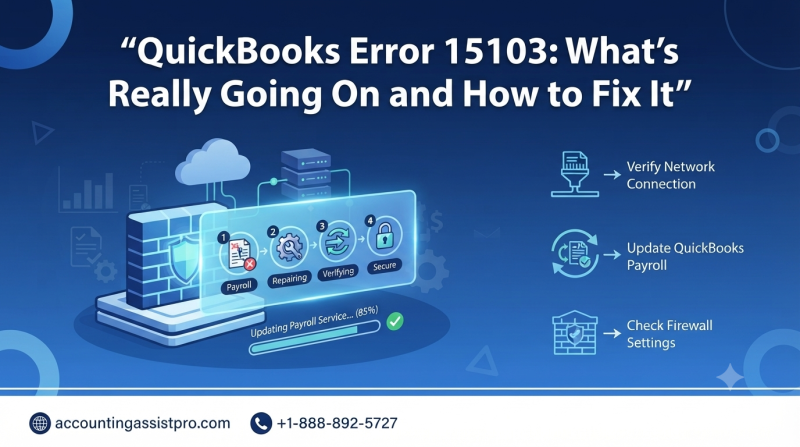
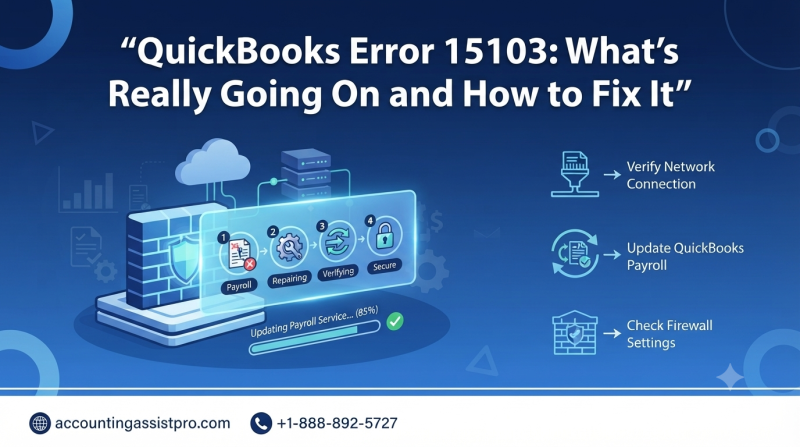
QuickBooks Error 15103: What It Means and How to Fix It
 Sam adam
I still remember the first time a client called me panicking over error 15103. She thought her whole QuickBooks file was corrupted. It wasn't. Her IT guy had mapped the shared QuickBooks drive incorrectly two days earlier, and the update service couldn't find its files anymore. Fifteen minutes later, it was fixed.
That's usually how this one goes. The message sounds like something is broken beyond repair, but in most cases it's a permissions or mapping problem, not damage to your books.
What causes it
- The shared download folder isn't mapped to the correct drive
- A payroll or update component went missing during a past install
- Windows system files are outdated or damaged
- Your firewall or antivirus is blocking the update connection
- The QuickBooks File Copy Service got disabled
- QuickBooks can't verify the digital signature on the update file
If your team recently switched servers, renamed a shared drive, or set up QuickBooks on a new machine, start with the first two.
What to try first
Close QuickBooks fully and reopen it as administrator. Check that your internet connection is stable, make sure your antivirus or firewall allows QuickBooks and Intuit's update servers, and restart the computer. This clears it for close to half the clients I work with.
If that doesn't work
If the shared drive is the problem, remap it correctly and point QuickBooks back to the right folder path. If the File Copy Service is the issue, open Windows Services, find QBFCDistService or QuickBooksDB2x, and set it to start automatically. If nothing works, download the QuickBooks Tool Hub from Intuit and run the Install Diagnostic Tool. It rebuilds damaged components without touching your company file.
I'd skip reinstalling QuickBooks as a first move. Save that step for last.
Quick answers
- Is my company file damaged? No. The error is tied to the update process, not your financial data.
- Why does it keep coming back? The root cause usually wasn't fully fixed. A firewall rule can reset after a Windows update, or the drive mapping may not reconnect at startup.
If you keep running into update errors like this, the setup may need a cleanup rather than another quick patch. That's something the team at Accounting Assist Pro can help with.
Want more information? Read the full guide here: QuickBooks error 15103: what’s really going on and how to fix it
Source:
Click for the: Full Story
You might like