Close Menu
 World
World
 Biography
 Health
 Education
 Business
 Lifestyle
 Sports
 Technology
 Animals
 History
 Food
Food
 Religious
 Startups
 Movies
 Politics
 Fashion
 Covid
Covid
 Diet
Diet
 Fitness
 Marketing
 Travel
 Science
 Reviews
 Social media
 Stories
 Facts
Facts
 Art
Art
 Entertainment
Aadvik Smith

Business
The Complete Checklist Before Buying an iPad Case
 Aadvik Smith
Buying a tablet case seems simple until you're actually staring at dozens of options, unsure which details matter and which are just marketing noise. What's interesting is how a handful of straightforward questions can cut through most of that confusion fast.
Let's walk through exactly what to check, in order, before adding anything to your cart.
Step One: Confirm Your Exact Model
This sounds obvious, yet it's the most common mistake buyers make. iPad Pro, iPad Air, and standard iPad models all come in multiple sizes and generations, and even small dimensional differences can throw off camera cutouts and port alignment. Check your model number under Settings, then General, then About, before you do anything else.
Step Two: Decide What Protection Level You Need
Not everyone needs the same level of protection. Someone who mostly uses their tablet at a desk has different needs than someone tossing it into a backpack daily. Look specifically for a raised bezel around the screen and camera, since that single feature handles most everyday bumps and drops.
Step Three: Check Material Quality
A vegan leather exterior generally holds up better over time than basic plastic shells, resisting cracking and fading. Pair that with a soft microfiber interior, which prevents small scratches from building up during daily use. These two material choices affect how the case looks and functions after months of regular handling.
Step Four: Verify Port and Button Access
This is easy to overlook until you're already using the case daily. A properly designed case allows full access to charging ports and buttons without requiring removal. If you have to take the case off every time you charge your tablet, that defeats much of its purpose.
Step Five: Consider a Built In Stand
A built in stand adds genuine daily convenience, whether you're typing emails, joining video calls, or watching something during a break. It's a feature that sounds minor until you've actually used one regularly, at which point going back to a flat case feels like a downgrade.
Step Six: Pick a Design That Actually Fits You
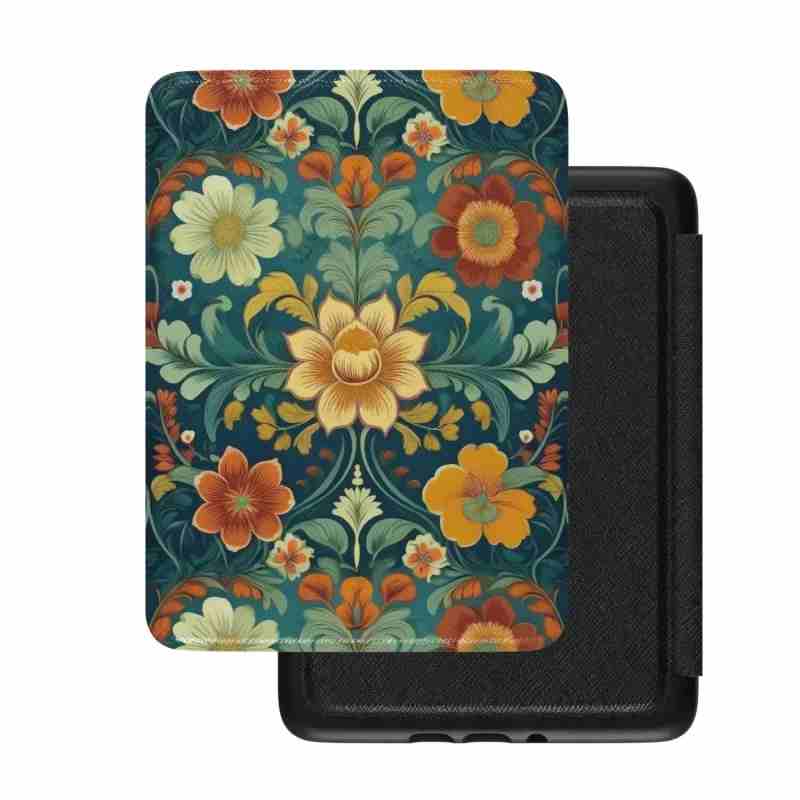
Once the functional details are settled, style becomes the fun part. Whether you're drawn to bold patterns like Mexican Dia de los Muertos artwork or something quieter like Swedish folk art, this is where personal taste finally gets to matter.
Putting It All Together
- Confirm your exact model.
- Prioritize bezel protection and material quality.
- Verify port access before purchase.
- Consider whether a built in stand fits your daily habits.
- Choose a design that reflects your actual personality.
Following this order, rather than starting with design and working backward, prevents the most common buying mistakes people run into.
Where to Start Browsing
Once you've worked through your own checklist, exploring a full set of iPad cases organized by model and pattern makes the final decision considerably easier, since you're filtering by informed criteria rather than guessing.
A Quick Real World Test
Before finalizing your choice, imagine a typical week with the case in place. Does it survive a backpack commute? Does it prop up comfortably during a video call? Does the pattern still feel right after seeing it daily for a month? Running through that mental test catches issues that product photos alone won't reveal.
Final Thoughts
Buying an iPad case doesn't need to be complicated, but skipping the basics leads to frustrating returns and mismatched expectations. Confirm your model, prioritize genuine protective features, and only then let personal style guide the final decision. That order matters more than most people initially assume.
FAQ
What's the first thing I should check before buying a case?
Always confirm your exact iPad model and generation first, since sizing mismatches are the leading cause of fit issues and returns.
Is a built in stand worth prioritizing over pure protection?
Both matter, but protection features like a raised bezel should come first. A stand is a valuable added convenience rather than a core safety feature.
How do I know if a case's port access is actually good?
Check product images or descriptions for confirmed cutouts around charging ports and buttons, ensuring the case never needs removal for daily use.
Source:
Click for the: Full Story
You might like