



 Close Menu
 World
World
 Biography
 Health
 Education
 Business
 Lifestyle
 Sports
 Technology
 Animals
 History
 Food
Food
 Religious
 Startups
 Movies
 Politics
 Fashion
 Covid
Covid
 Diet
Diet
 Fitness
 Marketing
 Travel
 Science
 Reviews
 Social media
 Stories
 Facts
Facts
 Art
Art
 Entertainment
Hallie Carter

Business
How Can an SVG Editor Online Help Prepare Vector Graphics for Modern Websites?
 Hallie Carter
Web graphics need to work across different screen sizes, layouts, and devices. SVG is useful for many of these applications because it stores artwork as vector information rather than relying on a fixed collection of pixels. This makes the format suitable for icons, logos, diagrams, illustrations, and other graphics that may appear at different dimensions.
However, having an SVG file is not always the final step. Existing graphics may contain unnecessary elements, unsuitable colors, incorrect proportions, or design details that do not match the website where they will be displayed.
When Should an Existing SVG Be Modified?
An SVG may need modification when a graphic is being adapted for a new website or updated interface. A company might need to adjust a logo variation, while a web designer may need to change an icon so that it fits a particular navigation system or visual style.
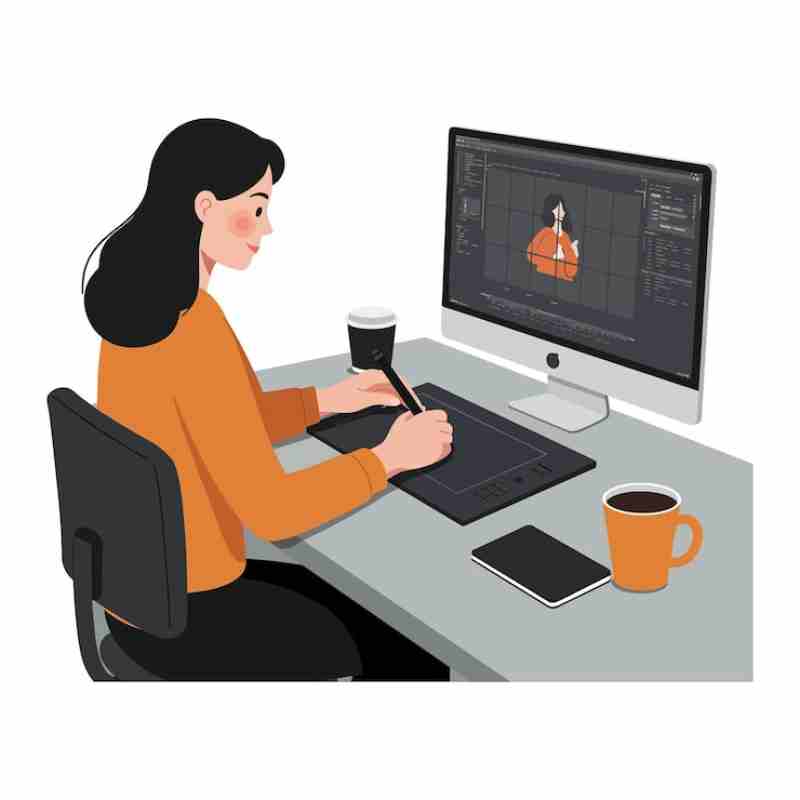
Small changes can often be handled without rebuilding the complete illustration. An SVG editor online can provide a convenient environment for working with existing vector artwork and making adjustments to individual elements.
How Can You Edit SVG Online for Website Graphics?
To edit SVG online, users can typically load an existing vector file and inspect its available objects. Depending on the editor and the structure of the file, individual shapes, paths, colors, and other components may be selected and adjusted.
This approach is useful when the original artwork is generally suitable but requires modifications for a particular website. Keeping the original file separately is also a sensible practice before making substantial changes.
What SVG Elements Should Be Reviewed Before Publishing?
Different SVG files can have very different internal structures. Some contain simple shapes, while others include numerous paths, groups, and other objects. Reviewing the structure can help identify elements that are unnecessary or that could cause problems during later editing.
Visual properties should also be checked. Colors, spacing, proportions, and alignment can affect how an SVG fits into a website's design system. A graphic that looks appropriate on its own may need adjustments when placed alongside other interface elements.
How Can SVG Colors Be Adapted to a Website?
Color is often one of the simplest reasons to modify an existing SVG. A graphic may need to match a website's brand palette, contrast with a particular background, or follow the colors used by other interface components.
When the relevant objects are independently editable, their fills or strokes can be adjusted without recreating the artwork. After changing colors, the graphic should be viewed against the backgrounds where it will actually appear to make sure the result remains visually clear.
Why Do Dimensions and Proportions Matter?
Although SVG graphics can scale, their composition still matters. An illustration with excessive whitespace or poorly positioned elements may not fit neatly into a website component even when the file technically scales to different sizes.
Checking the viewBox, aspect ratio, and object placement can help identify these issues. Testing the graphic at both small and larger display sizes can also reveal details that are difficult to notice when viewing the artwork at only one dimension.
Can SVG Editing Help With Website Icon Sets?
Websites often use groups of related icons, and consistency matters when several graphics appear together. Differences in stroke thickness, proportions, corner treatment, or visual weight can make an icon set appear uneven.
Editing existing SVG icons can provide a way to bring related assets closer to a shared visual style. Each icon should still be reviewed individually because different shapes may require different adjustments to maintain a balanced appearance.
What Should Be Checked Before Using an Edited SVG on a Website?
The final graphic should be reviewed in the context where it will be displayed. Checking it against different backgrounds and at several sizes can reveal alignment, spacing, or visibility issues.
It is also worth confirming that the edited file opens correctly and retains the expected vector structure. Keeping a clean original copy and clearly naming revised files can make future changes easier to manage.
How Can SVG Editing Support Ongoing Website Updates?
Website designs often change over time. Colors may be updated, navigation elements may be redesigned, and individual graphics may need to be adjusted to match a new interface. Maintaining editable SVG assets can make these updates easier to handle than relying only on flattened image files.
A consistent process for storing original artwork, making controlled revisions, and checking the final files can help keep website graphics organized as projects develop.
Conclusion
SVG graphics can be adapted for many website requirements without recreating the entire artwork. Changes to colors, proportions, individual elements, and related visual details can help existing vector assets fit new layouts and design systems.
An online editing workflow can be useful for these adjustments, particularly when the task involves an existing SVG that only needs targeted revisions. Careful review of the final file and its appearance at different sizes remains an important part of preparing the graphic for web use.
Source:
Click for the: Full Story
You might like








You Might Like this